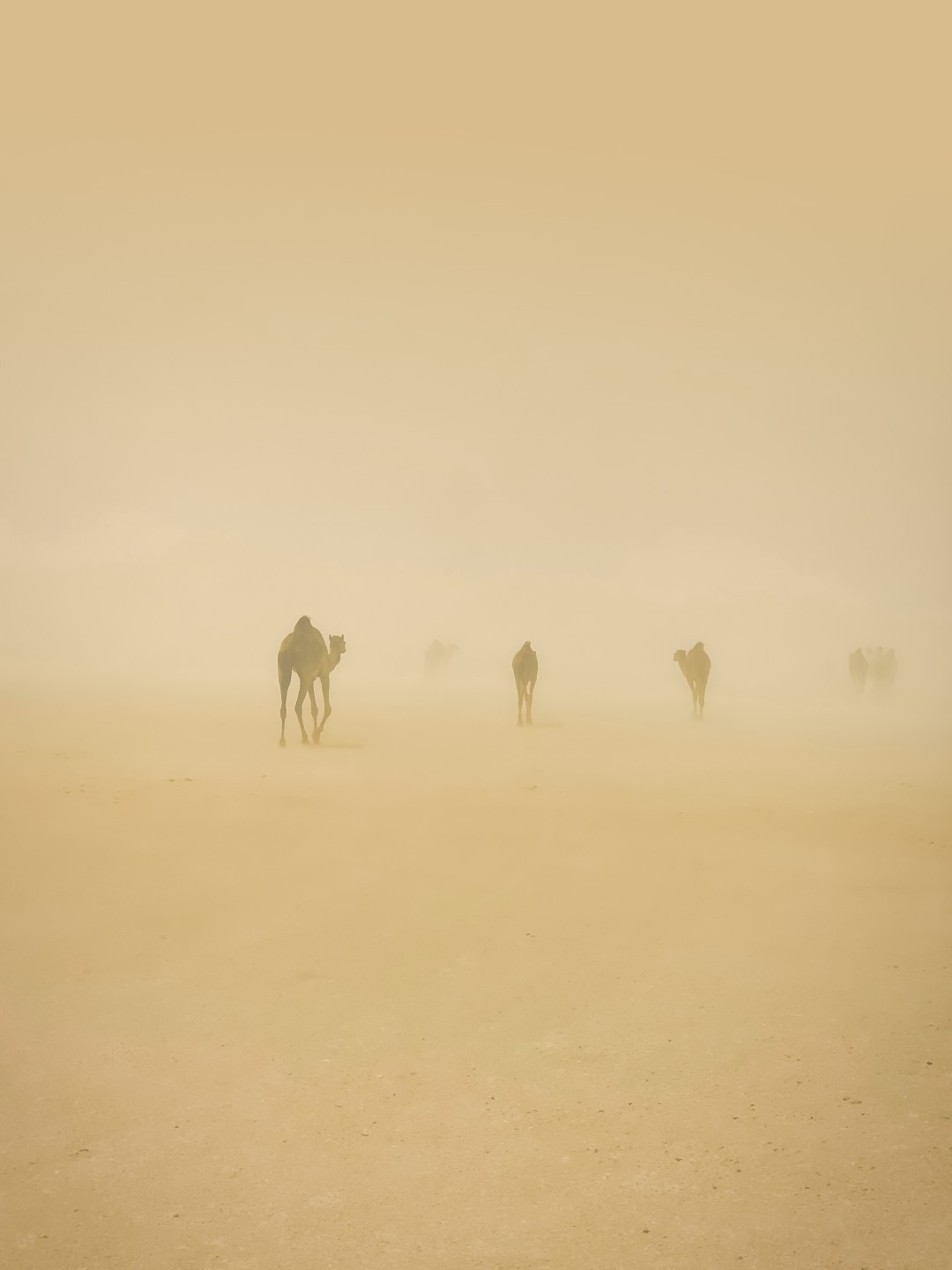
Today, Dubai is doing its best impression of a sepia-toned filter, thanks to yet another dust storm rolling through the city. The sky is hazy, the air is not only dusty but also full of humidity, and anyone daring to go outside is instantly covered in a fine, gritty layer of desert. It’s charming until the dust follows you home… and straight into your camera sensor.

In the UAE and across the Gulf, dust is more than just a seasonal inconvenience – it’s a persistent, sneaky little menace that loves to hitch a ride inside your gear. One second, you’re capturing a beautiful sunset in the dunes; the next, you’re wondering what are those dots in your clear blue skies photos. (Provided dust storm has passed already).

Let’s talk about what to do when the dust gets in, how to prevent it, and how to stay calm when your sensor starts looking like a Jackson Pollock painting.

How to Know You’ve Got Dust on Your Sensor
Sensor dust usually appears in your photos as:
• Tiny dark spots (usually round or fuzzy)
• More noticeable at high f-stops (f/8 and beyond)
• In the same place on every image, regardless of the subject
Try this: Take a photo of a plain white wall at f/16 or f/22 and examine the image at 100% zoom. If you see weird, dark blobs… congrats, your sensor has made a new friend.
Sensor dust is incredibly common, especially in dusty regions like the Middle East. It just means you’re using your camera in the real world.

What To Do
Most modern mirrorless and DSLR cameras have automatic sensor cleaning. It’s usually in the menu under “Sensor Cleaning” or “Clean Now.” Run that first. Sometimes, it’s enough to shake off loose particles with ultrasonic magic. Most often it’s not.
If built-in cleaning doesn’t work, it’s time to bring out the gear:
• Use a rocket blower
• Hold your camera without lens facing down
• Gently blow a few puffs of air at the sensor (don’t touch the sensor!)
Pro tip: Always blow in short bursts, never use canned air (you could damage the sensor), and make sure the blower itself is clean. You don’t want to blast more dust into the camera.
Here you can also use one of the newer technological advances an electronic blower. Be very gentle with it, and use the same way as the rocket blower. The advantage of the electronic blower is that you can also (and you should do it first) bump off all the dust from outside the camera.


Wet Cleaning?
If the dust isn’t budging, it may be oil or sticky residue. That’s when you’d need a sensor swab and cleaning solution—but only if you’re confident.
• Get sensor swabs for your exact sensor size (APS-C or full-frame)
• Use a few drops of sensor cleaning solution
• Gently swipe once across the sensor in one direction, then back with the other side of the swab
If this sounds terrifying, it’s okay to take your camera to a professional camera shop or service center. In Dubai, there are plenty of places that do quick and safe sensor cleaning.
How to Avoid Dust in the First Place (As Much as Possible)
• Point the camera lens mount down when switching
• Change lenses quickly and in a sheltered area (not mid-sandstorm, ideally)
• Use body caps and rear lens caps religiously (guilty here)
• Store gear in a sealed camera bag when not in use
• Don’t use your camera around during a dust storm unless you want to give your sensor a taste of the desert

Final Thoughts on Dust on The Sensor
Living and shooting in the UAE means dust is part of the life – whether you’re photographing in the middle of the desert or just walking through the city on a windy day. But don’t let it scare you away from using your gear. Cameras are tools. They’re meant to be used, not kept on a shelf. By the way there is dust on the shelf too.
The worst thing is when your fixed lenses cameras get that dust and there is nothing you can do to get it out yourself. That’s what happened with my Ricoh GRiiix after Omani travels. That dust was just next level danger and there isn’t a service center here for Ricoh to fix it up. Alas, can always just shoot at F/2.8. Not ideal, but what to do?

Leave a Reply